Xiaomi Pad 6 Pro (liuqin) Firehose Loader (Official No Auth) – Download
| Views: 9 | VIP | |
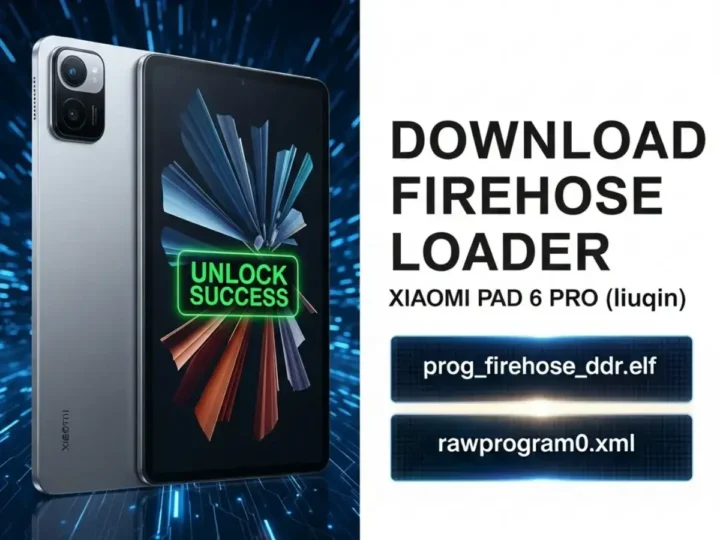
Download the official Xiaomi Pad 6 Pro (liuqin) Firehose Loader file. This Qualcomm Snapdragon 8+ Gen 1 programmer allows you to flash firmware via EDL mode without needing an authorized account.
The Xiaomi Pad 6 Pro (Codename: liuqin) is a high-performance tablet powered by the Qualcomm Snapdragon 8+ Gen 1 (SM8475). However, incorrect flashing or software corruption can lead to a “Hard Brick,” where the device shows no sign of life and is only detected as Qualcomm HS-USB QDLoader 9008. To revive it, you need the specific Firehose Loader (Programmer) file. This file allows service tools to communicate with the UFS storage and flash the raw firmware partition images.
File Information & Specs
| File Name | prog_firehose_ddr_liuqin.elf |
| Device Name | Xiaomi Pad 6 Pro |
| Codename | liuqin |
| Chipset | Snapdragon 8+ Gen 1 (SM8475) |
| File Type | EDL Loader / Firehose Programmer |
| File Size | ~2 MB |
| Function | Unbrick, Factory Reset, FRP Remove, Flash Firmware |
| Connection Mode | EDL Mode (9008) |
Supported Tools
This loader is compatible with most Qualcomm-supported repair software. You can use it by selecting “Custom Loader” in the following tools:
- QFIL (Qualcomm Flash Image Loader) – Free Tool
- UnlockTool
- Chimera Tool
- UMT (Ultimate Multi Tool) – QcFire
- Hydra Tool
- DFT Pro
How to Use Firehose Loader
- Install Drivers: Ensure the Qualcomm HS-USB QDLoader 9008 driver is installed on your PC.
- Open Flashing Tool: Launch your preferred tool (e.g., QFIL, UMT, or UnlockTool).
- Select Build Type: If using QFIL, select “Flat Build”.
- Load Programmer: Click “Browse” next to the Programmer path and select the downloaded
prog_firehose_ddr_liuqin.elffile. - Load Firmware (Optional): If flashing full firmware, load the
rawprogram0.xmlandpatch0.xmlfiles. - Connect Device: Boot your Xiaomi Pad 6 Pro into EDL Mode (via Test Points or specialized cable) and connect it to the PC.
- Start Process: Once the port is detected as 9008, click the Download or Flash button to begin the repair.
⚠️ DISCLAIMER: Professional Use Only
Using a Firehose Loader requires technical knowledge of Qualcomm EDL mode. This file is strictly for repairing dead boot devices. Newer Xiaomi security protocols may require an Authorized Account or specialized tools even with the correct loader. Incorrect usage can permanently damage the device. Proceed at your own risk.