TFT RAMDISK Tools v1.0.0.0 Beta (2025): Free iCloud Bypass & Passcode Backup
| Views: 9 | Basic | |
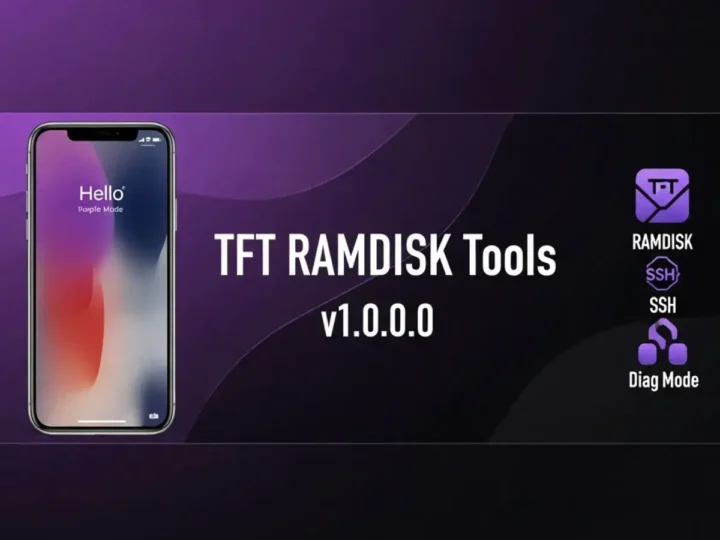
Unlock your iPhone with TFT RAMDISK Tools 2025. Features include Untethered Bypass (MEID/GSM), Change Serial Number, and Fix Notification on jailbroken devices.
TFT RAMDISK Tools v1.0.0.0 Beta: The 2025 iCloud Bypass Solution
TFT RAMDISK Tools v1.0.0.0 Beta is the latest 2025 release designed to handle complex iOS tasks with ease. Whether you need to bypass the iCloud Hello Screen, backup passcode data, or enter Purple Mode for hardware diagnostics, this all-in-one utility delivers professional-grade features for free.
File Details & Download
Below are the technical details for the latest version of the tool.
| Tool Name: | TFT RAMDISK Tools |
| Version: | v1.0.0.0 Beta (2025 Latest) |
| Developer: | TFT Team |
| Platform: | Windows 10 / 11 |
| Key Feature: | iCloud Bypass & Purple Mode |
| Support: | MEID / GSM / Passcode / Diag |
| License: | Freeware |
Key Features Breakdown
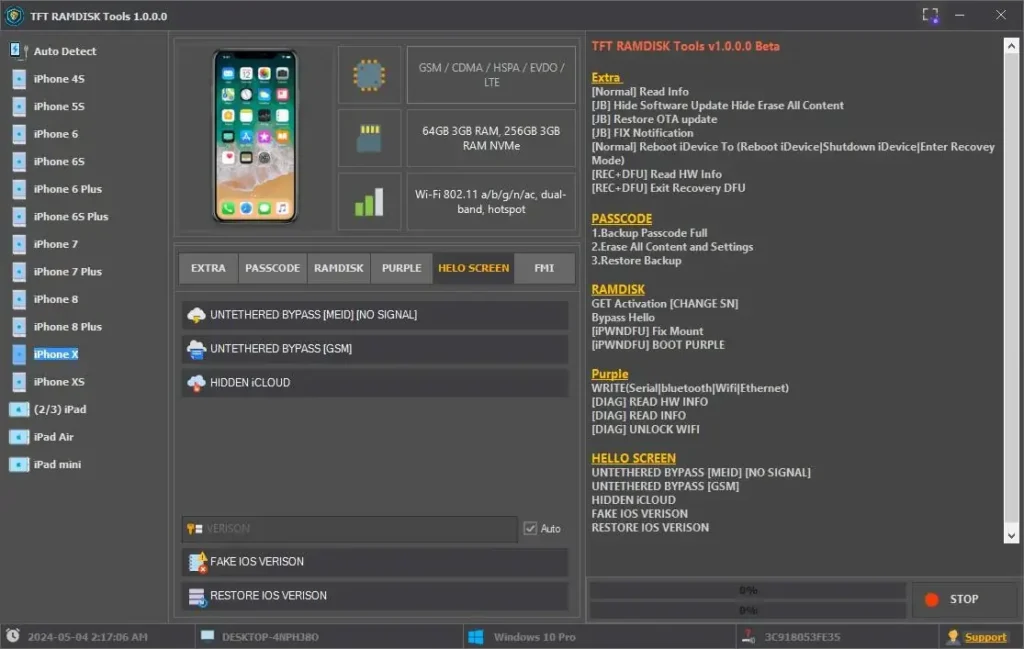
1. iCloud & Hello Screen Bypass
- Untethered Bypass (GSM): Full bypass capability for GSM devices with signal support.
- Untethered Bypass (MEID): Bypass iCloud on MEID devices (No Signal).
- Hide iCloud: Conceal the iCloud account status on the device.
- Fake iOS Version: Trick the system into displaying a custom iOS version.
2. RAMDISK & Purple Mode
- Boot Purple: Enter Purple Mode to modify system data.
- Get Activation (Change SN): Essential for unlocking devices by modifying the Serial Number.
- [DIAG] Unlock Wi-Fi: Unbind Wi-Fi addresses for hardware repairs.
- Write Data: Edit Serial, Bluetooth, and Ethernet addresses.
3. Passcode Management
- Backup Passcode Full: Save activation files before wiping the device.
- Restore Backup: Restore activation files after a restore to unlock the device.
- Erase All Content: Securely wipe the device while preserving the iOS version.
4. Jailbreak & Recovery
- Hide Software Update: Prevent the device from auto-updating and losing the bypass.
- Fix Notification: Resolve broken push notifications on bypassed devices.
- Exit Recovery/DFU: One-click solution to kick devices out of stuck modes.
How to Use TFT RAMDISK Tools
- Download & Install: Get the tool from the link above and install it on your PC.
- Connect Device: Put your iPhone or iPad into DFU Mode.
- Boot Ramdisk: Use the tool to boot the device into Ramdisk mode (check driver status first).
- Select Operation:
- For Passcode: Click “Backup Passcode”, then “Erase”, then “Restore Backup”.
- For Hello Screen: Click “Get Activation” (if changing SN) or “Bypass Hello”.
- Reboot: Once the process is done, reboot the device to Normal mode.