Download Redmi K60 Pro Firehose (prog_firehose_ddr): QFIL & UnlockTool
| Views: 5 | VIP | |
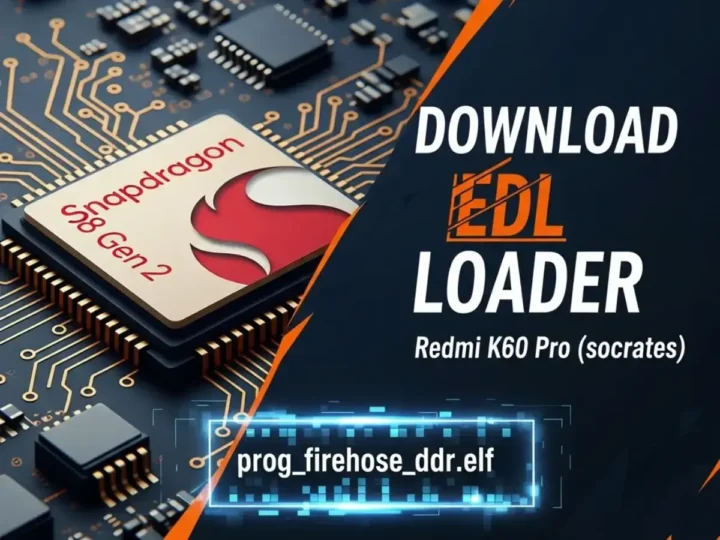
Repair your dead Redmi K60 Pro with the official EDL Loader. This file helps establish a connection between the PC and the device’s memory (UFS) to rewrite the partition table.
The Xiaomi Redmi K60 Pro (Codename: socrates) is powered by the Snapdragon 8 Gen 2 (SM8550) chipset. When this device gets hard-bricked (stuck in EDL Mode / Black Screen) or displays “System has been destroyed,” a standard Fastboot ROM cannot fix it. You need the specific Firehose Loader (Programmer) file. This loader acts as a bridge, allowing flashing tools like QFIL, UnlockTool, or MiFlashPro to communicate with the device’s storage and rewrite the partitions.
File Information & Specs
| File Name | prog_firehose_ddr_socrates.elf / .mbn |
| Device Name | Redmi K60 Pro |
| Codename | socrates |
| Chipset | Qualcomm Snapdragon 8 Gen 2 (SM8550) |
| File Type | EDL Loader / Firehose Programmer |
| File Size | ~2 MB (Small File) |
| Function | Unbrick, Read/Write Partitions, Reset FRP |
| Connection Mode | EDL Mode (Qualcomm HS-USB QDLoader 9008) |
Supported Tools
You can use this loader file with the following professional service tools to unbrick your device:
- QFIL (Qualcomm Flash Image Loader)
- UnlockTool (Select Custom Loader option)
- UMT (Ultimate Multi Tool) – QcFire
- EFT Pro
- Hydra Tool
⚠️ DISCLAIMER: Advanced Repair Only
Using a Firehose Loader requires technical knowledge. This file is intended for repairing dead boot devices. Newer Xiaomi security may require an Authorized Account even with the correct loader. Incorrect usage can permanently damage the device. Proceed at your own risk.